Network discovery
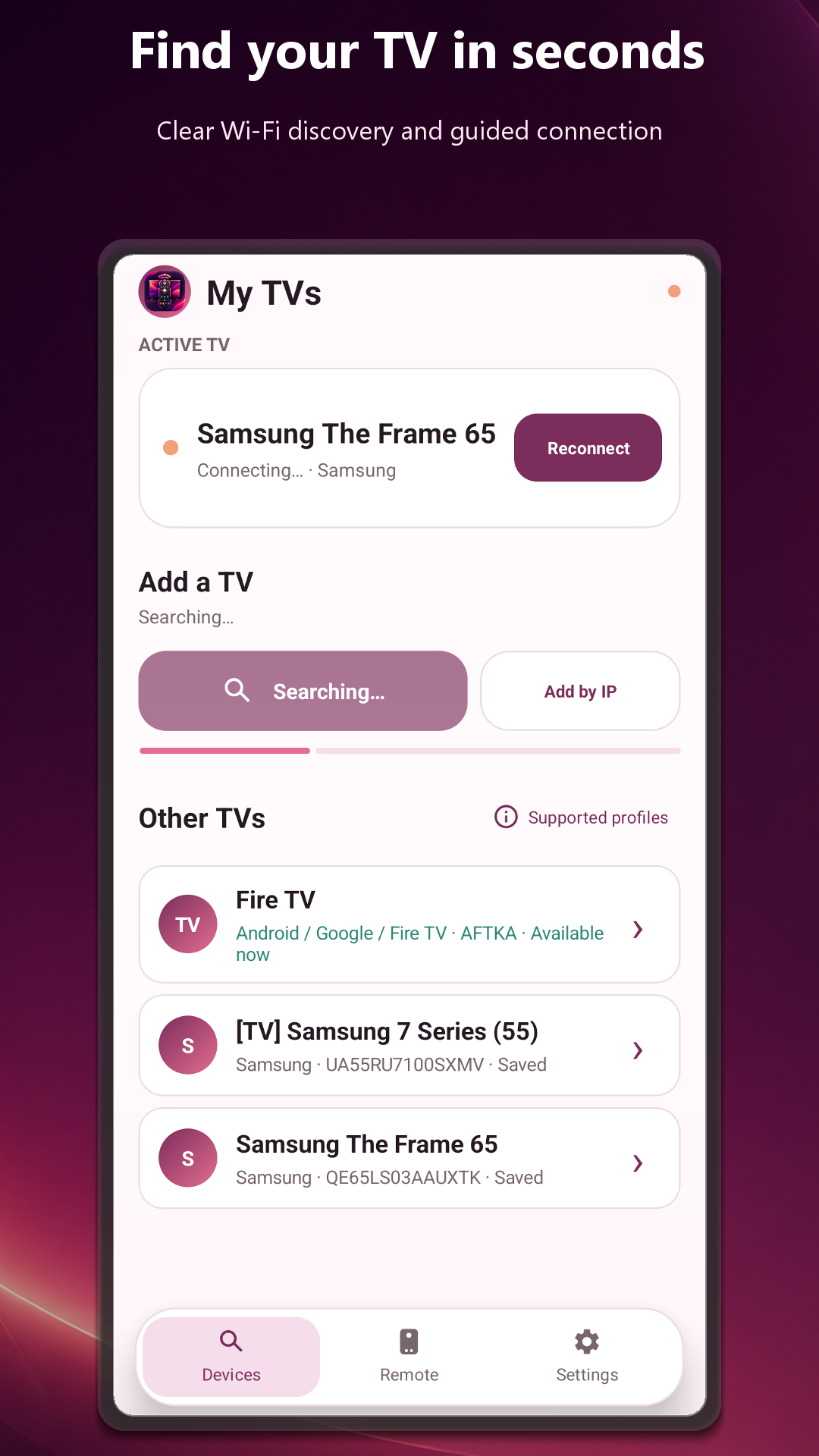
Find compatible televisions on the same Wi-Fi or add a known IP address manually.
Your phone. Your remote.
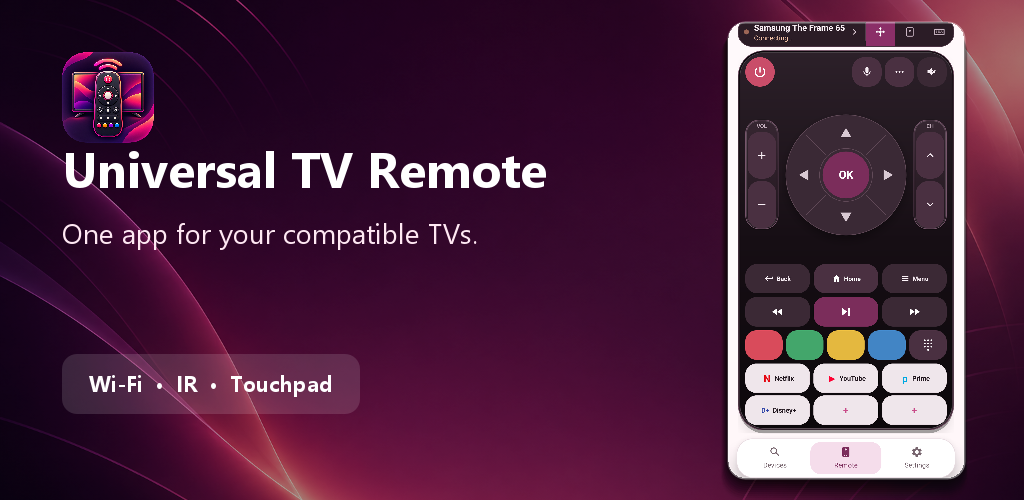
Discover televisions on your Wi-Fi, follow a clear pairing flow and control navigation, volume, channels, media and apps from a modern remote that feels familiar.
Made for the sofa
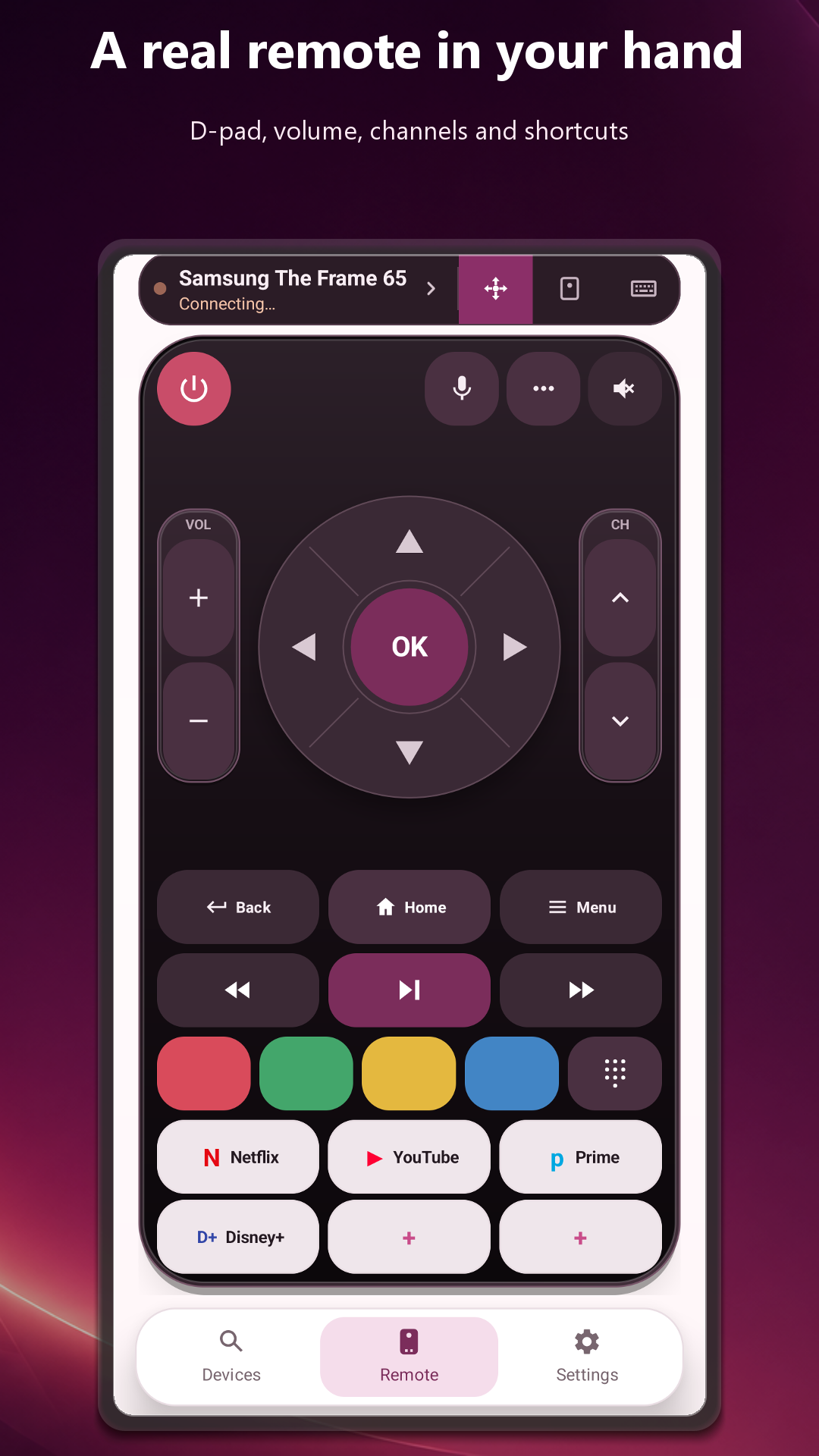
Essential controls stay large, balanced and reachable. Advanced tools remain one tap away without crowding the main remote.
Find compatible televisions on the same Wi-Fi or add a known IP address manually.
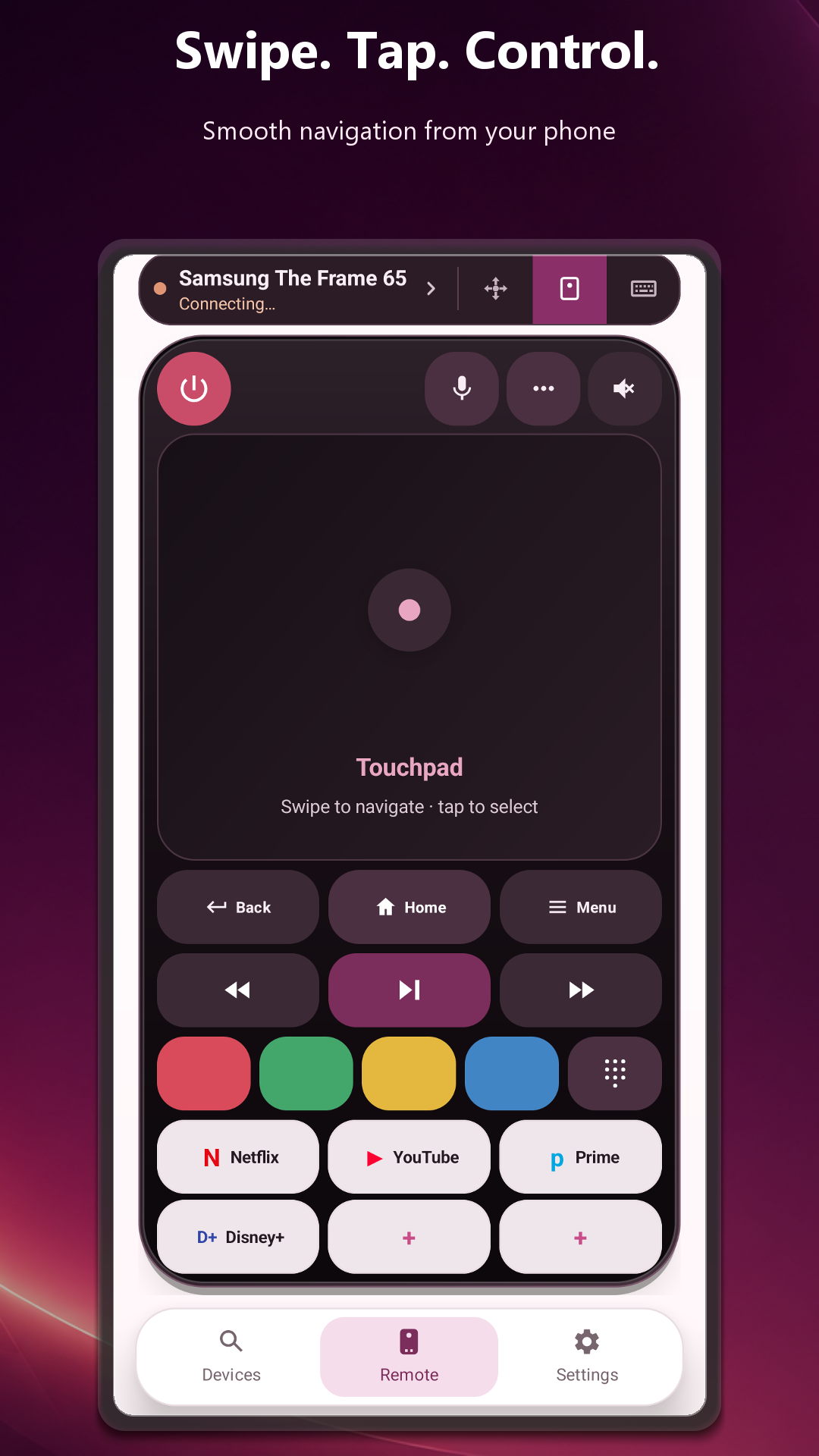
Directional pad, OK, volume, channels, Home, Back, Menu and media controls.
Use the number pad, touchpad or phone keyboard when the TV profile supports it.
Keep compatible streaming shortcuts and personal commands inside the remote.
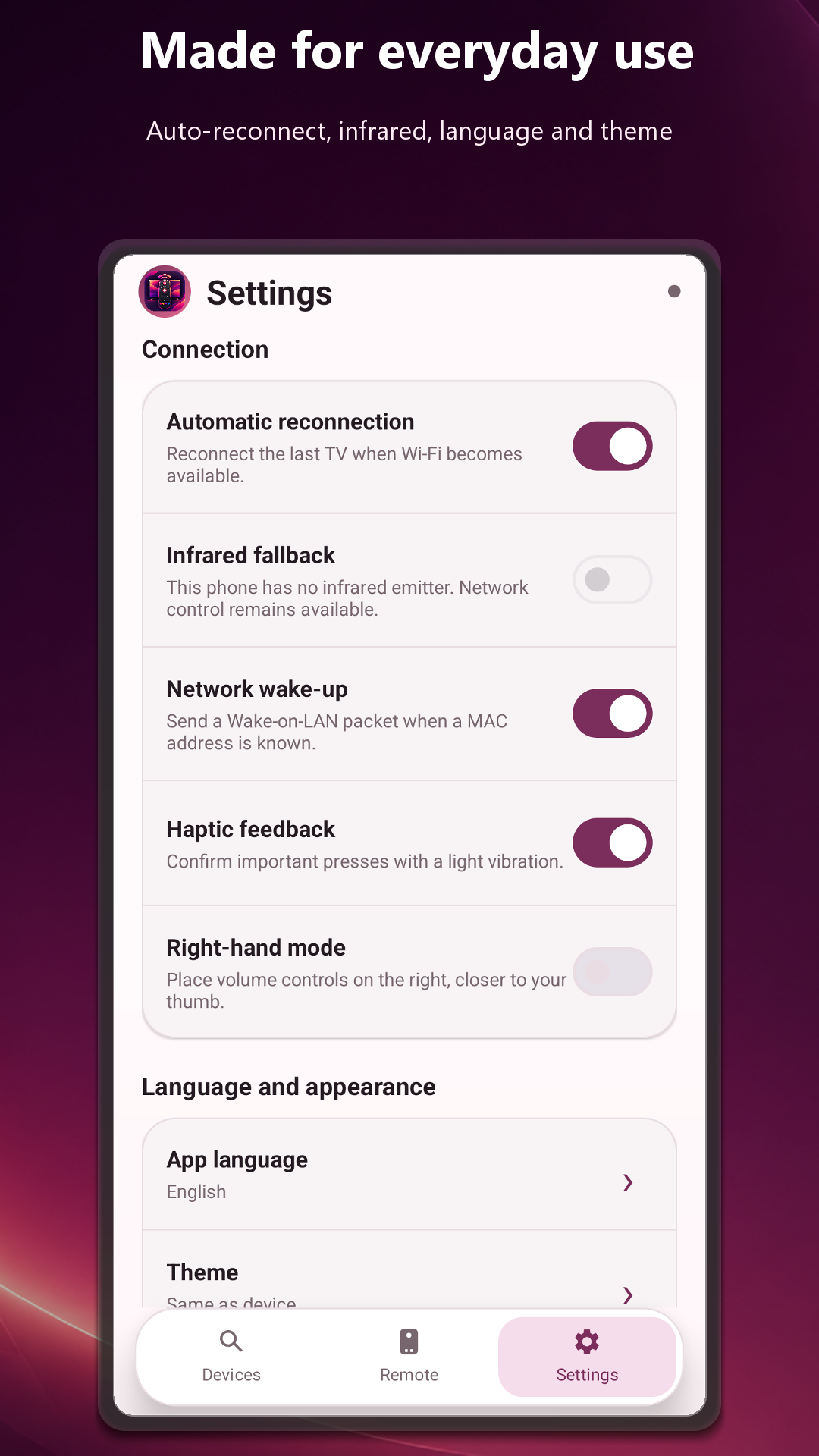
Return to the last selected TV when the network is available again.
Use compatible infrared controls on Android phones equipped with an IR emitter.
Comfort first
The screen is organized like a physical Smart TV remote, with a full-height control surface and consistent button sizes.
Understandable connection
Compatibility depends on the TV model and firmware, so the app identifies the best available profile and explains what the television needs.
Connect the Android phone and Smart TV to a network where devices can see each other.
Let discovery find the TV or enter its local IP address when multicast is blocked.
Accept the pairing prompt or enter the displayed code when the selected profile requires it.
The status chip shows the active TV and automatic reconnection handles future sessions.
Actual Android interface
Privacy by design
Saved televisions, pairing credentials, favorites and preferences are stored locally. The app has no account system or proprietary remote-data cloud; diagnostics, usage measurement and advertising are handled separately through Google Firebase, Google Mobile Ads and available consent controls.
Support
Include the TV brand, model, operating system and the connection message shown by the app. Never email pairing tokens, passwords or other credentials.